Learn the essentials of NI TestStand and build complete test sequences with LabVIEW and Python code modules. This practical training covers everything from basic concepts to advanced project setup.
Practical
| Duration | 3 days |
| Level | Advanced |
| For whom | Test engineers and developers who want to use TestStand with LabVIEW and Python |
| Prerequisites | LabVIEW Fundamentals, basic Python knowledge is a plus |
| Language | Dutch or English |
| Location | Weert (Netherlands) or on-site |
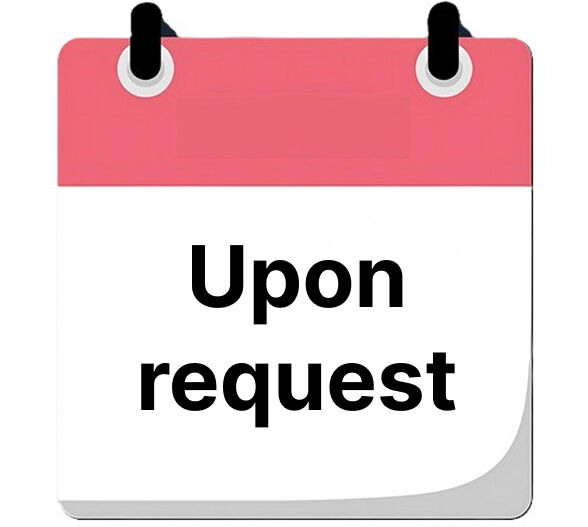
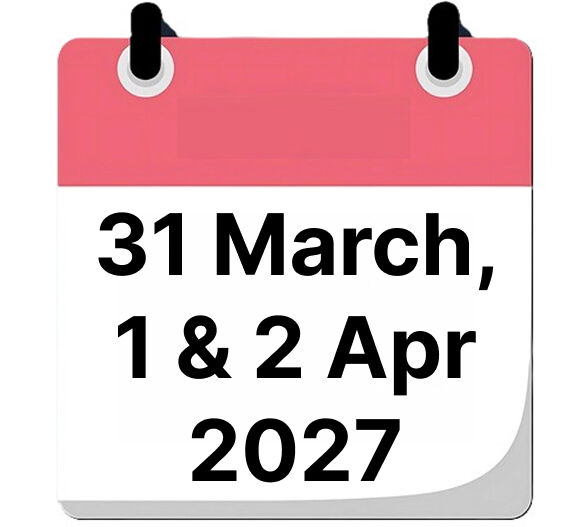
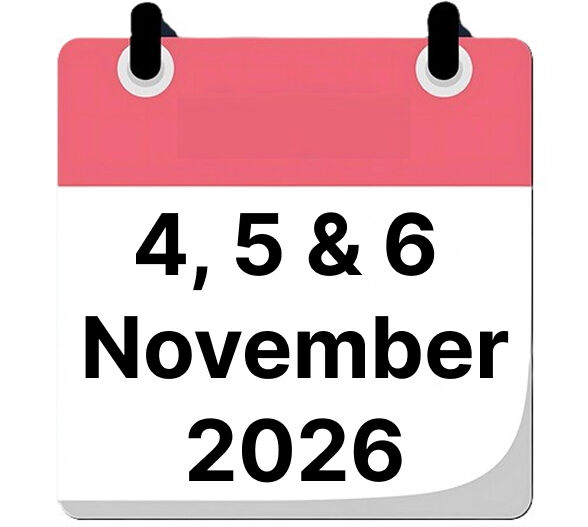
| When | To be determined |
| Included | Course materials, lunch and certificate of participation |
| Price | € 2790 excl. VAT |

What will you learn?
After this training you will be able to:
- Understand the TestStand architecture and terminology
- Work with the Sequence Editor and Sequence Files
- Call code modules (LabVIEW and Python adapters)
- Create and reuse subsequences
- Define and apply Custom Data Types
- Set up complete test projects with LabVIEW libraries
- Integrate Python for data logging with TDMS
Course Content
TestStand Introduction
- Challenges
- Terminology
- NI TestStand Execution Architecture
TestStand Sequence Editor
- Sequence Editor Components
- Sequence Files
- Developing Test Code
Adapter Settings
- What is an Adapter?
- What Adapters are available?
- Change Adapter Settings
Build Sequences
- Create and Save new Sequence
- Choose Code Module Adapter
- Add Steps to a Test Sequence
- Execute Test Sequence
Call Code Modules
- Choose Code Module Adapter
- Add Steps to a Test Sequence
- Create / Load LabVIEW Code Module
- Create Variables / Execute Test Sequence
SubSequences
- Explanation of Sequences
- Hierarchy of Sequences
- Create SubSequences
- Call SubSequences Change Adapter Settings
Custom Data Types
- Why Custom Data Types?
- Create Custom Data Types
- Use Custom Data Types
Course Project
Course Project Intro
- Purpose
- Hardware Setup
- Brainstorming
- Software Architecture
- Requirements
- UUT Dialog
- Flash Firmware
- DUT Connection
- Software Configuration
- Python Installation
LabVIEW Library for Instrument Control
- Benefits of Libraries (lvlib)
- Create and use Libraries
- NI VISA Driver for Instrument Control
Python TDMS Logger
- TDMS Structure
- Implement Data Logging
TestStand Environment Setup
Want to know more?
Contact us for available dates, in-company options or a customized training.