Take your LabVIEW skills to the next level. This hands-on training focuses on advanced architectures and techniques for building scalable, maintainable applications — from event-driven programming to creating installers.
Practical Information
| Duration | 2 days |
| Level | Advanced |
| For whom | LabVIEW users who have completed the Fundamentals training or have equivalent experience |
| Prerequisites | Experience with LabVIEW (loops, SubVIs, data types, state machines) |
| Language | Dutch or English |
| Location | Weert (The Netherlands) or on-site |
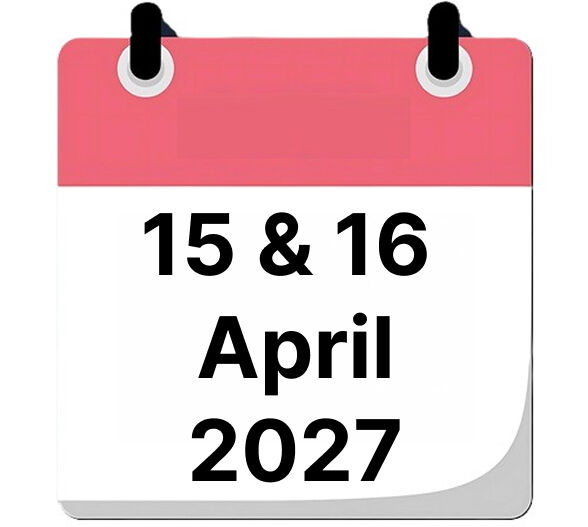
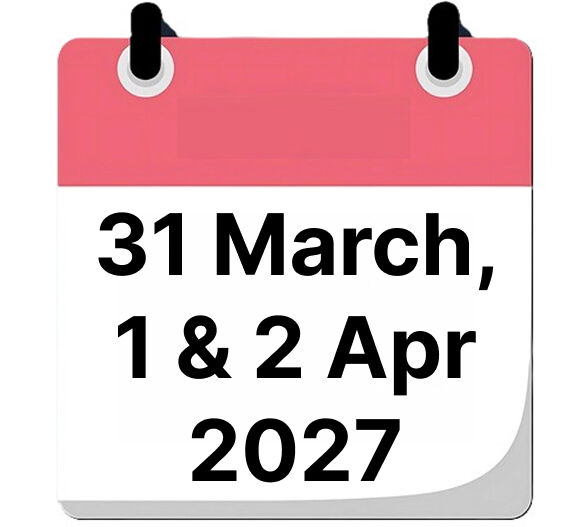
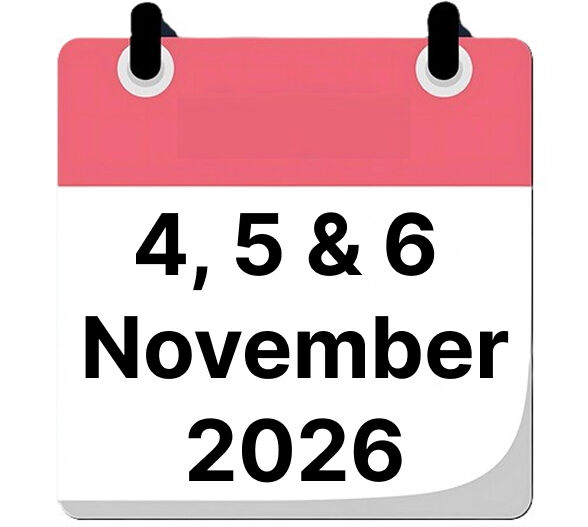
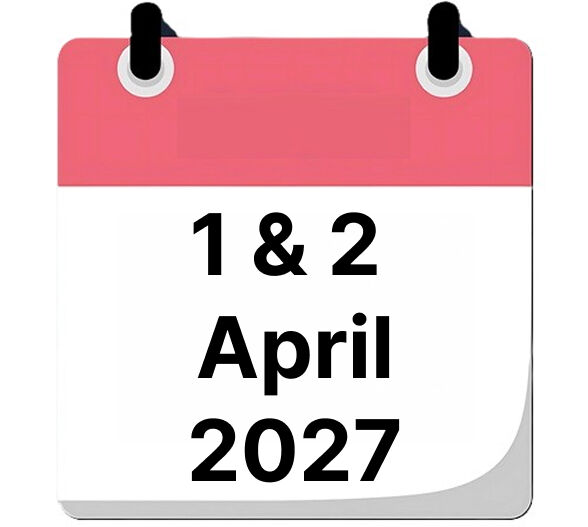
| When | 15 & 16 April 2027
14 & 15 October 2027 |
| Includes | Course materials, lunch, and certificate of completion |
| Price | € 1860 |

What will you learn?
By the end of this training, you will be able to:
- Build event-driven applications using Producer/Consumer architectures
- Use Queues for communication between parallel processes
- Programmatically control the User Interface via VI Server
- Apply advanced file I/O, including TDMS
- Manage your code with Git and LabVIEW Diff
- Create executables and installers for deployment
Course Content
Recap LabVIEW Fundamentals
- Review of basic concepts
- Dataflow
- LabVIEW Style Guide
Event Handling
- Events vs. Polling
- Event Handling Basics
- Event-based State Machine
- Producer/Consumer (Events)
Libraries
- Benefits of Libraries
- Creating and using Libraries
Queues
- Variables
- Queue functions
- Producer/Consumer architecture
UI Manipulation
- VI Server architecture
- Property Nodes
- Invoke Nodes
UI References & Maps
- Maps
- User Interface References
- Storing UI Refs in Maps
Advanced File I/O
- Programmatic paths
- Programmatic folders and files
- TDMS Advanced
Git Basics
- Installing Git / TortoiseGit / SourceTree
- Creating a repository, checkout, add, commit, push
- Setting up LabVIEW Diff with Git
Executables & Installer
- Preparing your project
- Creating and debugging executables
- Creating installers
Want to know more?
Contact us for available dates, in-company options or a customized training.