Learn the basics of LabVIEW and build professional measurement applications on your own. This practical, hands-on training takes you from your first steps in the development environment to creating structured, maintainable programs.
Practical Information
| Duration | 3 days |
| Level | Beginner |
| For whom | New LabVIEW users or engineers looking to refresh their foundational knowledge |
| Prerequisites | Basic programming knowledge is a plus, but not required |
| Language | Dutch or English |
| Location | Weert (The Netherlands) or on-site |
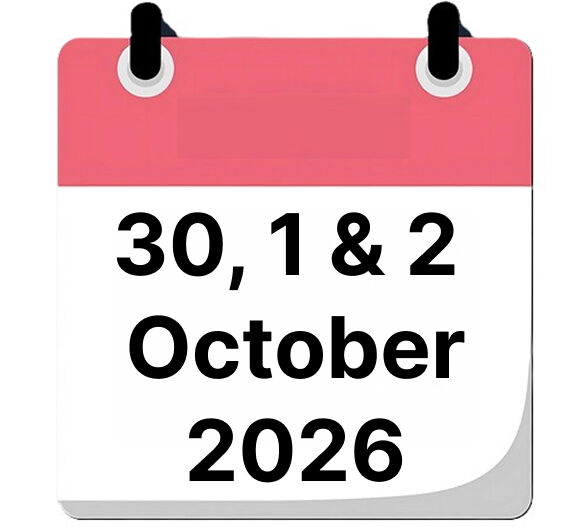
| When | 30, 1 & 2 October 2026 |
| Includes | Course materials, lunch, and certificate of completion |
| Price | € 2790 |

What will you learn?
By the end of this training, you will be able to:
- Build applications independently in the LabVIEW development environment
- Communicate with measurement hardware (NI-DAQmx)
- Store, retrieve, and visualize data
- Apply common design patterns
- Debug and structure your code using SubVIs
- Work with version control (Git) for LabVIEW projects
Course Content
Introduction to LabVIEW
- What is LabVIEW and what are its benefits?
- Application areas
The LabVIEW Development Environment
- Project structure
- Parts of a VI (Virtual Instrument)
- Front Panel & Block Diagram
- LabVIEW Help & Example Finder
Data Types & Dataflow
- Overview of data types
- The dataflow concept
Your First VI
- Creating a project
- Building your first VI with Express VIs
- Modifying the Front Panel
Debugging
- Fixing broken VIs
- Highlight Execution, Probes, Breakpoints
- Single Stepping & debugging tips
Loops & Structures
- While Loop & For Loop
- Shift Registers
- Formula Node
- Case Structure & Diagram Disable Structure
Arrays
- Creating 1D and 2D arrays
- Array functions and calculations
- Combining loops and arrays
- Waveform data type
Clusters & Type Definitions
- Why clusters?
- Creating and reading clusters
- Type Definitions
- Clusters and graphs
File I/O
- High-Level and Low-Level File I/O
- Reading and writing text files
- TDMS files and introduction to NI DIAdem
Hardware Simulation (NI MAX)
- Overview of NI MAX
- Downloading NI drivers
- Creating simulated DAQmx hardware
- Test Panel, Reset & Self-Test
Modularity
- Why modularity?
- Creating and documenting SubVIs
- Clear icons for readability
Git Basics
- Installing Git / TortoiseGit / SourceTree
- Creating a repository, checkout, add, commit, push
- Setting up LabVIEW Diff with Git
State Machine
- Sequential vs. parallel programming
- Benefits and components of a State Machine
- Building a State Machine
JKI State Machine™
- Downloading, installing, and using
- Benefits compared to standard State Machines
Instrument Control
- System architecture and common interfaces
- Benchtop instruments: NI VISA, SCPI
- PXI instruments: NI IVI
Want to know more?
Contact us for available dates, in-company options or a customized training.