Learn to use DIAdem efficiently for data analysis, visualization and reporting. This training provides you with a solid foundation to manage and process measurement data.
Practical
| Duration | 2 days |
| Level | Beginner |
| Target audience | Engineers, test engineers and data analysts working with measurement data |
| Prerequisites | Basic knowledge of Windows and Excel |
| Language | English |
| Location | Weert (Netherlands) or on-site |
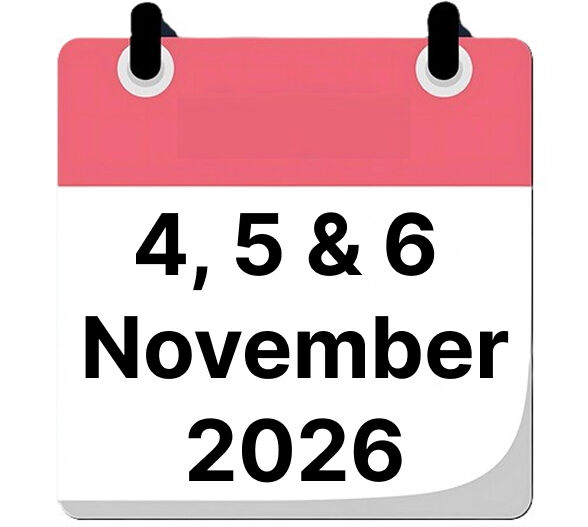
| When | 17 & 18 November 2026 |
| Included | Course materials, lunch and certificate of participation |
| Price | € 1860 |

What will you learn?
After this training you will be able to:
- Navigate and use DIAdem effectively for data analysis
- Manage and use TDM/TDMS data formats
- Visualize and analyze data interactively
- Perform advanced analyses with the calculator
- Create professional reports
- Use scripts for repeatable tasks
- Apply DataPlugins for various data formats
Course Content
DIAdem Overview
- What is DIAdem
- Module Overview
- Other Components
TDM/TDMS Format
- File Format
- Data Structure
- Usage in Excel
- Usage in DIAdem
Navigator
- File Browser
- Search
- Advanced Search
- Data Portal
View
- View data interactively
- Axis Scaling
- Constants
- Cursor / Zoom Options
- Manipulate Data (Flags)
- Transfer to Report
Analysis
- Basic mathematics
- Channel functions
- Curve fitting
- Statistics
- Calculator
- Calculation Manager
- Quantity based calculation ON/OFF
Calculator / Calculation Manager
- Calculating Syntax
- Operands und Operation
- Calculation Manager
Report
- Chart wizard
- Tables
- 2D-Axis systems with curves / bars
- 3D-Axis systems
- Graphics / Text
- Forms, lines and arrows
Scripting
- Toolbar
- Templates / Examples
- Recording Mode
- Start Script
DataPlugins
- Description
- Excel Wizard
- Create Plugins
Want to know more?
Contact us for available dates, in-company options or a customized training.